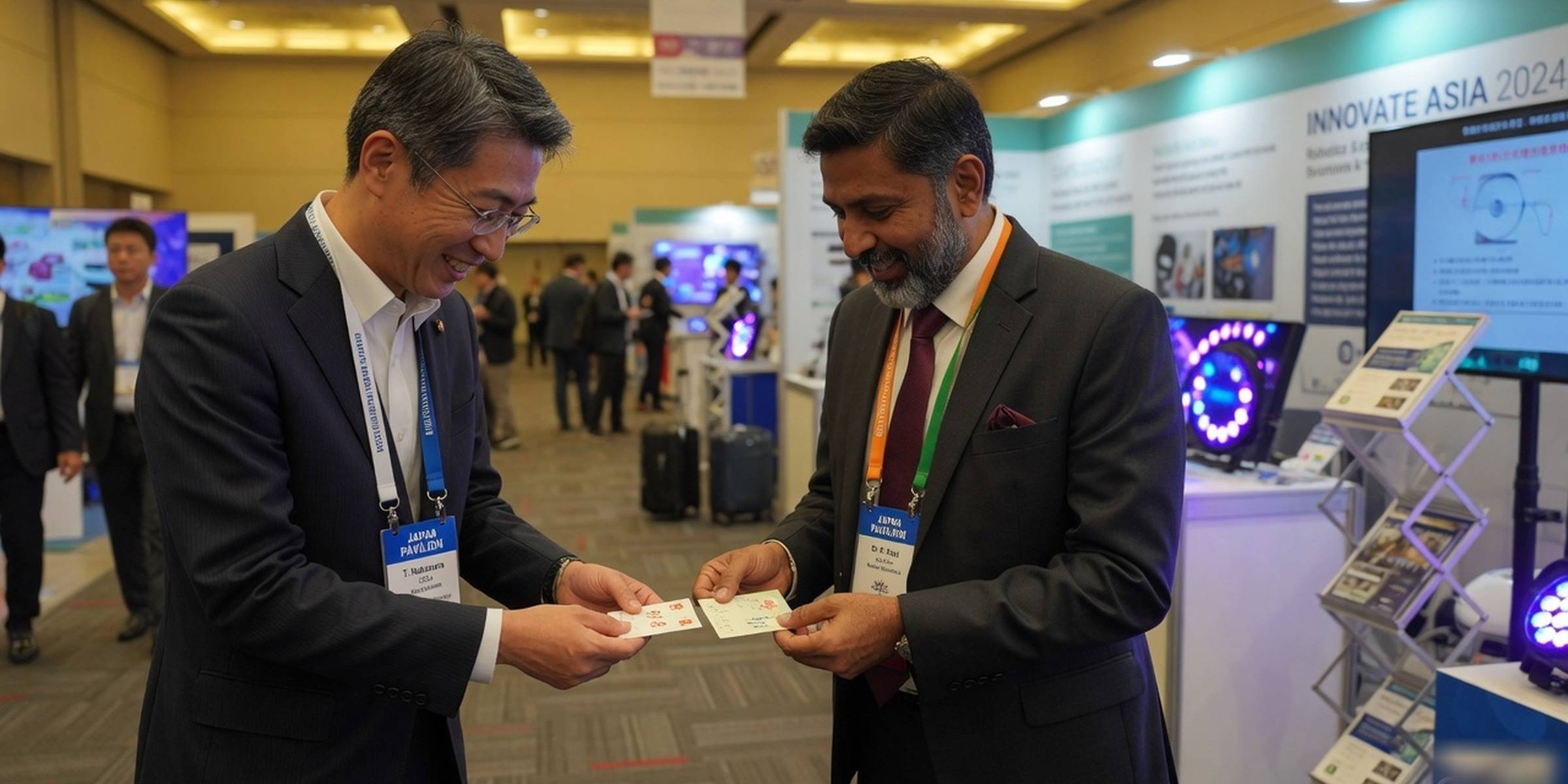
Business cards updated
Keep up with everyone you’ve met.
Scan a card and it becomes a contact in seconds. When you want, check if they’ve moved, see the source, and reach out with context.
No account needed to try. Free while in early access. For India, Japan and Singapore, in English and 日本語.
On iPhone and the web · iPhone app in TestFlight · ask for an invite
In the founder’s own Google Contacts, first week: 763 contacts imported, 14 duplicates merged, 8 job changes found and approved.

- The old card · scanned Mar 2022Yui TanakaBusiness Development ManagerSample Trading (fictional)
- What changed

Business Development Manager, Sample Trading (fictional)Head of Partnerships, Sample Trading (fictional)sample-shoji.example.test/news· 12 Aug 2026 - Say helloYui-san, congratulations on the new role at Sample Trading! We met in 2022. I'm in Tokyo next month and would love to catch up.LINEWhatsAppEmailOpens a draft. You press send.
When it helps
Three moments it’s made for
After meeting someone
Scan their card the same evening: English, 日本語 or both, up to 12 cards in one photo. People you already have are flagged, not added twice.
After an eventReconnecting with an old contact
Check the people you haven’t spoken to in a while. Meishio shows who may have news, with the source and date, and drafts a hello.
After an eventPlanning a trip
Pick a city and see who you know there, by company, before you fly to Tokyo, Bengaluru or Singapore.
For founders
Your data stays yours
Stored in Singapore
Private to your account.
Never sold or pooled
Team sharing includes only the records you choose.
Nothing deleted from Google
Only the fixes you approve, each undoable.
Export or delete anytime
Everything, from Settings.
The free scan on the try page keeps nothing about the person or your card unless you create an account; it only counts reads.
How Meishio handles your dataPrivacy policy
For teams, in early access: share selected professional records, organize them in folders and coordinate follow-ups. Personal notes stay private. Using it with a team? See Team
Questions about Meishio
What is Meishio?
Meishio is an app for your business contacts, on iPhone and the web: scan cards, check public sources for role updates and review any findings. Connect Google Contacts to sync the changes you approve.
How does Meishio keep contacts up to date?
When you start a check, Meishio Search looks at public web sources for each person's current role and shows the source and date. Unsure matches are flagged, and nothing changes until you accept.
Is Meishio free?
Yes, while in early access, with no charges, and a Free plan stays free for one person after that. Your first research (up to 5 people) is free; later research uses one credit per person. See pricing
Does Meishio work with iPhone and Outlook?
iPhone, yes. New people go straight to iPhone Contacts when you turn it on in the iPhone app (in TestFlight); Outlook has no live sync, so import a vCard or CSV file from Meishio.
How does Meishio find out where someone works now?
Meishio Search checks public web sources for a person's current role and company when you start a check: for one contact, a list, or your whole address book. It does not watch everyone in the background. Each finding shows its source and date; a match that might be a different person is marked "Not sure this is the same person" and is never applied on its own. Public pages can be out of date, so nothing on a contact changes until you accept it, and every change can be undone. Confident job changes can be accepted automatically if you turn that on in Settings. Each person checked counts as one check, and each action shows what it will use before you start.
Does Meishio delete or change my Google contacts?
Meishio never deletes the contacts already in your Google account. It changes only the fixes you approve, such as adding a country code or marking an email as work or personal, and each fix can be undone. New connections let you choose contacts to import; sending edits back starts off. You can enable automatic sync for your primary connection in Connections. Additional accounts receive only updates you review. Existing connections keep your earlier preference.
Can Meishio read Japanese business cards?
Yes. Meishio reads English and Japanese cards, including cards printed in both. It keeps the kanji and English name on one contact, reads titles such as 部長 (department head) and 代表取締役 (representative director), and tells a 〒 postal code from a phone number.
How do I scan many business cards at once?
Open Scan and keep taking photos. You can put up to 12 cards in one photo; Meishio finds each card, reads it, joins fronts and backs, and asks you only about details it could not read clearly.
How do I fix missing country codes in Google Contacts?
Connect Google Contacts and run the address-book check. Meishio finds business numbers saved without a country code and suggests the full number, such as +91 for India, +81 for Japan or +65 for Singapore. You approve the fixes, and Meishio writes them back to Google Contacts.
Where is my data stored?
Your contacts are stored in Singapore and are private to your account; other users cannot see them. Meishio never sells your data. Card photos are saved without camera or location data. The AI providers that read cards and check roles, and why, are listed on the Your data page.
More on the questions page and pricing.
Start with one card
Scan it and see it become a contact in seconds. No account needed; nothing is saved unless you keep it.